
Clawspace: A Browser-Based File Explorer for OpenClaw
Table of Contents
I’ve been working with OpenClaw for a while now. If you’re not familiar, it’s a self-hosted personal AI assistant that answers you on the channels you already use: WhatsApp, Telegram, Discord, Slack, iMessage, and a lot more. Local, fast, and always-on. One thing that kept coming up for me personally was the need to inspect and edit workspace files without jumping into an SSH session or opening a terminal. It’s my own friction point, but if you’re an OpenClaw user I suspect I’m not alone.
So I built Clawspace.
https://github.com/nickytonline/clawspaceClawspace is a browser-based file explorer and editor for an OpenClaw workspace.
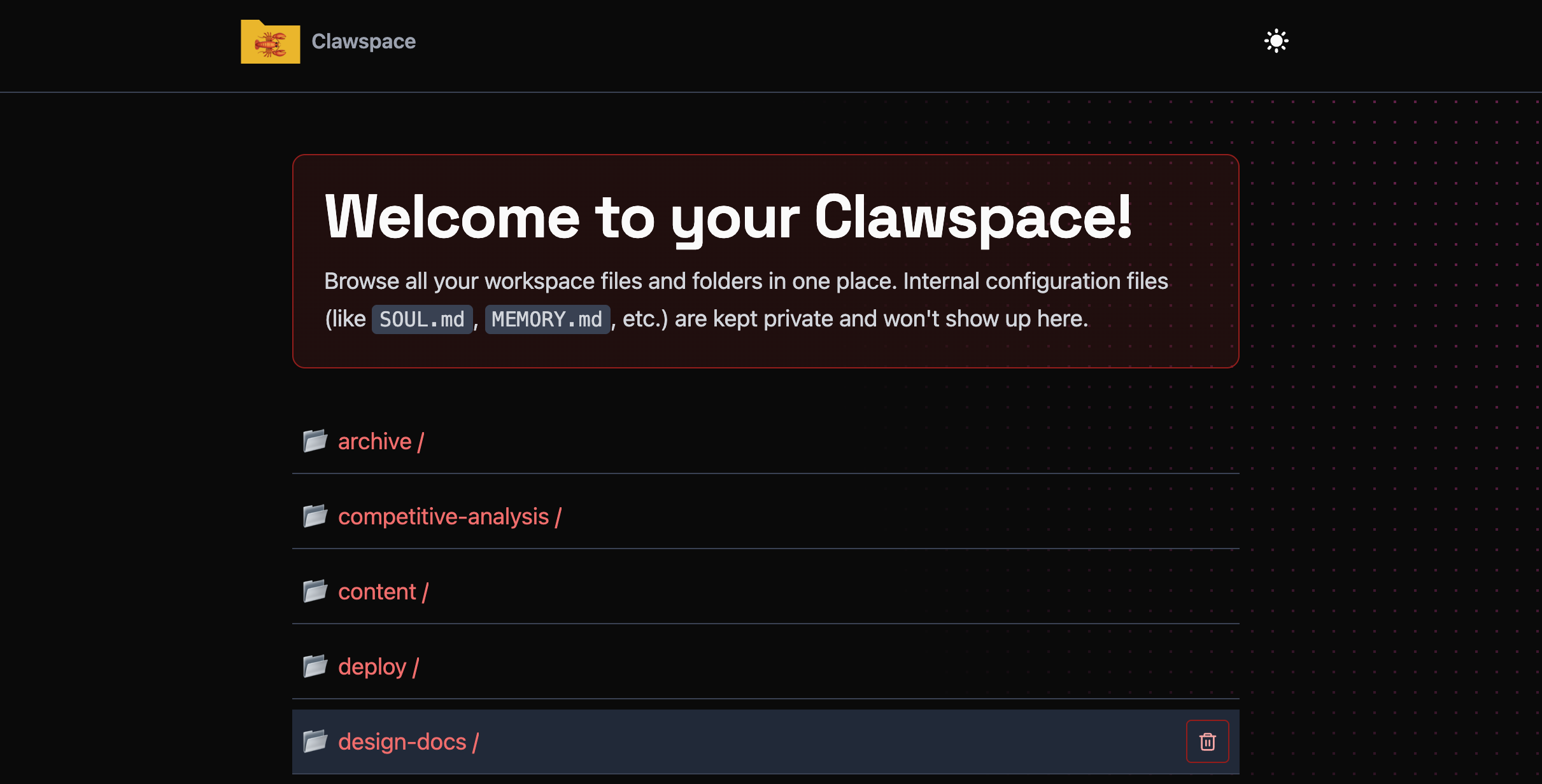
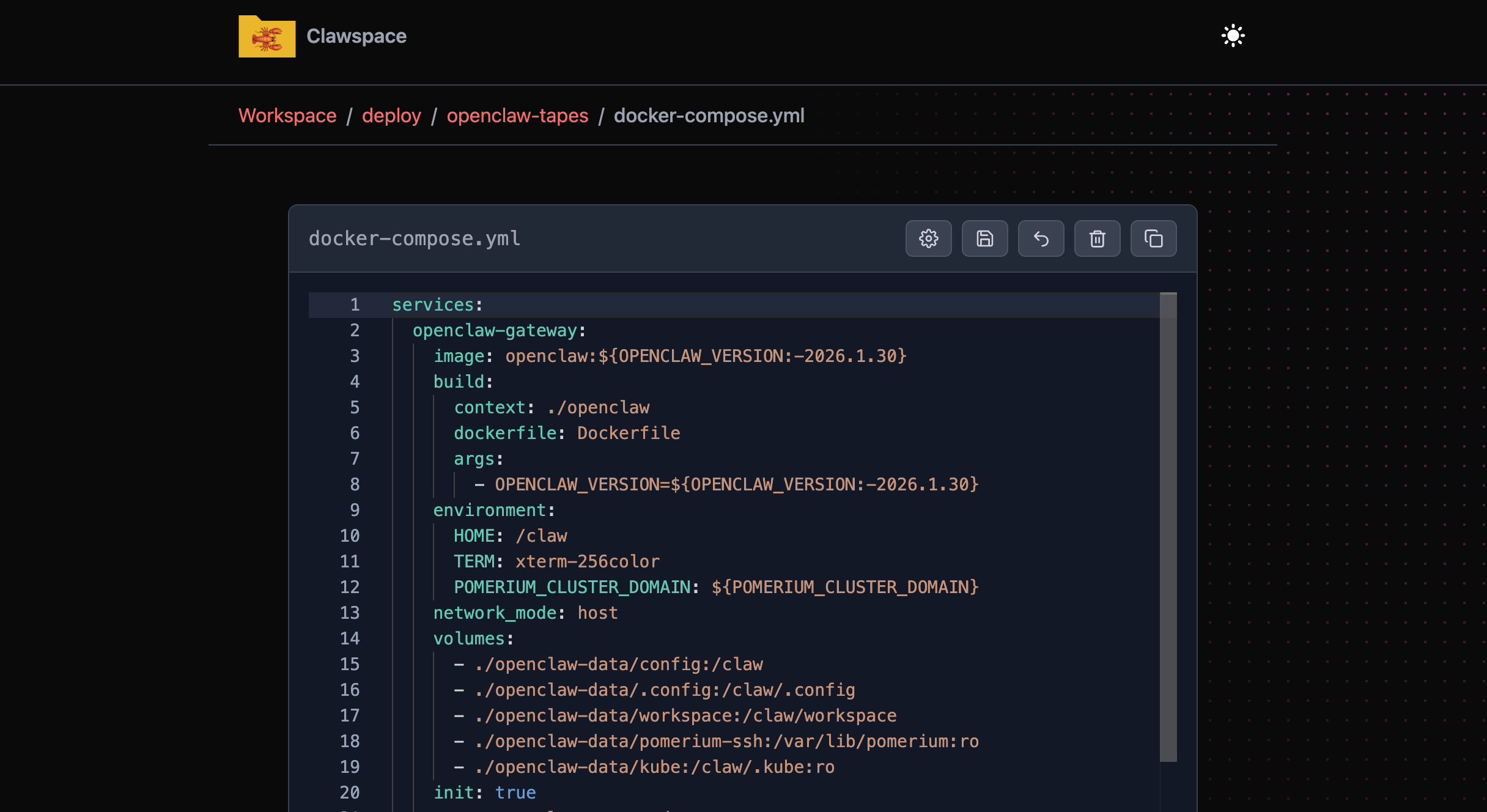
It runs as a lightweight server, gives you a Monaco editor (the same editor that powers VS Code) for text files, and handles the basics you’d want: browsing directories, saving, reverting, deleting, and copying files, and auto-formatting on blur for supported file types. Internal OpenClaw files like SOUL.md are protected and can’t be deleted or modified.
Why not just use SSH?#
You could. But if you’re already running OpenClaw and you want to make a quick edit to a config file or peek at a log, having a UI that loads in your browser is faster than reaching for a terminal. It also fits nicely into situations where the person using the workspace isn’t a developer who wants to context-switch into a shell. I find this super handy on my phone.
For my setup, I run it with Pomerium in front of it. Pomerium is an open core identity-aware proxy that handles the authentication layer, so Clawspace never has to think about it. I actually implemented Trusted Proxy Auth mode in OpenClaw to make this work cleanly. (The hardening guide was written before Trusted Proxy Auth mode existed, so I’m in the process of updating it.)
https://github.com/openclaw/openclaw/pull/15940Getting started#
The only real requirement is that Clawspace has access to the root of your OpenClaw workspace. How you get there is up to you: npm scripts or the Docker image both work fine.
Via npm:
git clone https://github.com/nickytonline/clawspacecd clawspacenpm installnpm run buildnpm run clawspace:serveDefault port is 6789.
Or via Docker, mounting your workspace volume:
clawspace: image: ghcr.io/nickytonline/clawspace:latest environment: CLAWSPACE_ROOT: /claw/workspace CLAWSPACE_IGNORE: ".pnpm,dist,logs" SHOW_INTERNAL_CLAW_FILES: "false" volumes: - ./openclaw-data/workspace:/claw/workspace ports: - "6789:6789"I currently run Clawspace inside my workspace rather than as a separate container, mostly because it lets me iterate on it in real time while pairing with OpenClaw. Since it’s built with Astro, running npm run dev gives you instant updates via Vite, so I can make changes and see them immediately without an editor, just me and OpenClaw going back and forth. For most people though, the container approach is probably cleaner.
Configuration#
By default, Clawspace uses the parent of the app directory as the workspace root. You can override that with an environment variable.
# .env (see .env.example)CLAWSPACE_ROOT=/absolute/path/to/workspaceCLAWSPACE_IGNORE=".pnpm,dist,logs"SHOW_INTERNAL_CLAW_FILES=falseThe CLAWSPACE_IGNORE variable takes comma-separated patterns, and those get merged with hardcoded defaults (.git, node_modules, etc.), your .gitignore, and a .clawspace-ignore file if you have one at the workspace root.
SHOW_INTERNAL_CLAW_FILES controls whether things like SOUL.md, MEMORY.md, and .env show up in the file browser. Default is false, which is what you want most of the time.
Security#
Clawspace assumes network-level auth is handled externally. It’s not trying to be a multi-user app with roles and admin checks. File writes are restricted to the workspace root, internal and sensitive files are blocked, and all writes get audited to /claw/workspace/logs/clawspace-edit-audit.log.
If you’re exposing it beyond your LAN, put it behind a proxy you trust. I expose mine to the internet using Trusted Proxy Auth mode, with Pomerium as the identity-aware proxy in front of it, so authentication is handled before a request ever reaches Clawspace.
It’s meant to be tweaked#
Clawspace is intentionally hackable. The README says it plainly: clone it, edit the UI and guardrails, make it yours. It’s a starting point for the kind of workspace tooling that fits how you work, not a finished product trying to cover every case.
Fun fact: the look and feel is based on nickyt.co, my personal site. I paired with OpenClaw to build it, which felt like a nice proof of the thing I was building the tool for in the first place.
If you give it a try or have ideas for it, I’d love to hear what you think.
If you want to stay in touch, all my socials are on nickyt.online.
Until the next one!